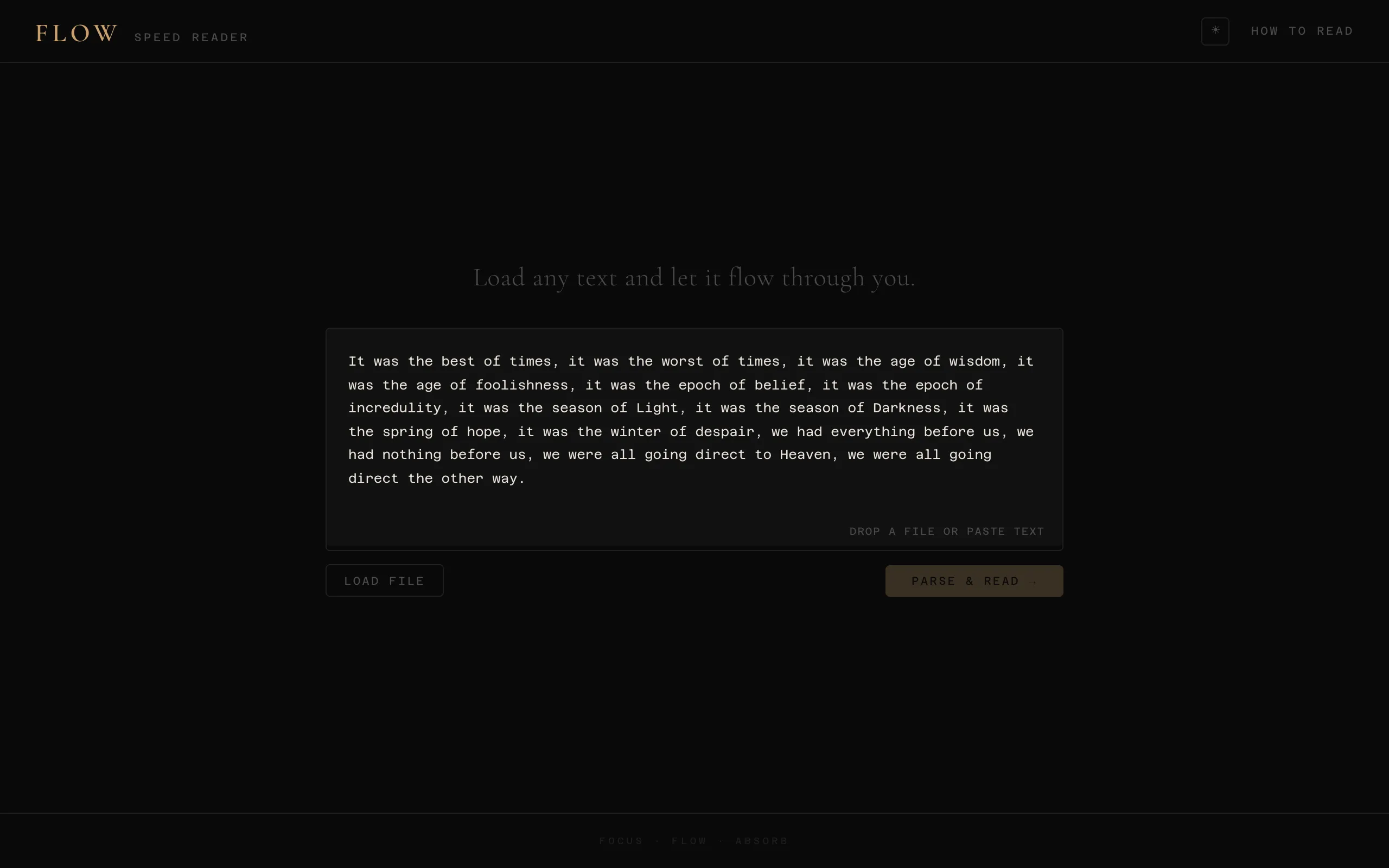
Rapid Serial Visual Presentation flashes words one at a time at a fixed spot on the screen. The eyes never move, so the saccades that take up most of the time in ordinary reading go away, and 500 to 800 words a minute is comfortable after a few sessions. I tried several RSVP apps and they all had the same problem. They start at the target speed. The first sentence is gone before I've engaged with the text, and the opening is the part everything after it builds on.
Playback starts at 120 WPM and climbs to the target, 650 by default, over the first 80 words. The speed follows \(t^3\) from 120 to the target, where \(t\) is the fraction of the ramp completed, so the first twenty words barely speed up and the last twenty do most of the climbing. The ramp is capped at 60% of the text so a short passage doesn't spend its whole length accelerating, and floored at ten words.
I tried linear and quadratic ramps first and could feel the moment each one kicked in. With cubic I stopped noticing the speed change. By the time the body of the text arrives I'm at full speed and in a rhythm, and the opening, where the author sets the scene, played at a pace I could take in.
Each word is split around one letter, which is drawn in amber and pinned to the same horizontal position every time, with a thin vertical guide under it. A three-letter word and a twelve-letter word both put that letter in the same place, so there's nothing to hunt for within a flash. The letter is the one just past the midpoint, index \(\lceil n/2 \rceil\) for an \(n\)-letter word. Other RSVP readers put the anchor about a third of the way in, where eye-tracking studies say the first fixation tends to land. Mine is at the midpoint.
Reading real ebooks
I wanted to read my own library, not pasted text, so Flow opens EPUB, MOBI, AZW, AZW3, FB2, PDF, DOCX, RTF, Markdown, HTML, and plain text, all in the browser. EPUB and DOCX are zip archives of XML, which JSZip opens. PDFs go through pdf.js. FB2 is XML. Markdown gets a hand-written CommonMark-to-text converter.
The Kindle formats were the work. MOBI and AZW3 are PalmDB containers, and the text records in classic MOBI are compressed with PalmDOC, a small LZ77 variant, so I wrote the decompressor. It's about 30 lines. Most bytes are literals or back-references into output already written, plus a special case that packs a space and the letter after it into one byte, since that's the most common two-character sequence in English prose. For AZW3 the parser scans for the BOUNDARY record that marks the KF8 section and reads the HTML records after it. HUFF/CDIC compressed MOBI files throw an error suggesting a conversion to EPUB, and .kfx is refused outright since it's encrypted. The decoder assumes windows-1252, so a UTF-8 MOBI comes out with mangled accents.
After extraction the text is stripped of HTML tags, Markdown markers, URLs, and email addresses, each token loses the punctuation on both ends, and anything without a letter in it is dropped.
Timing
The timer is a chained setTimeout with delay 60000 / WPM, rescheduled after each word. At 650 WPM a word gets 92 ms. Jitter of 20 to 30 ms shows up as an uneven rhythm, and React re-renders are where it comes from, so I keep the index and the timer handle in refs and a re-render never resets the schedule. The progress bar doubles as a seek control, the WPM field accepts 100 to 1200, and the theme persists in localStorage.