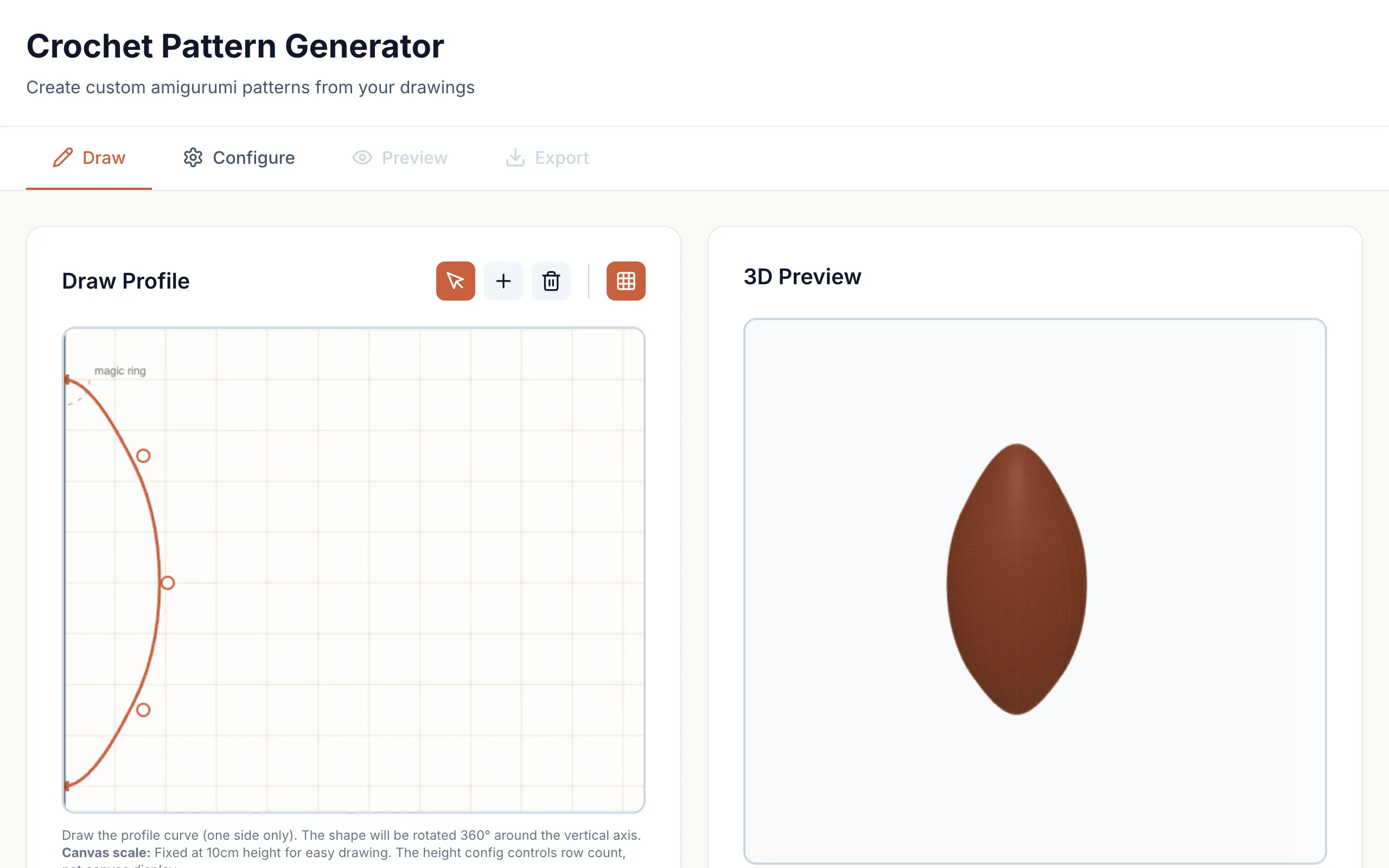
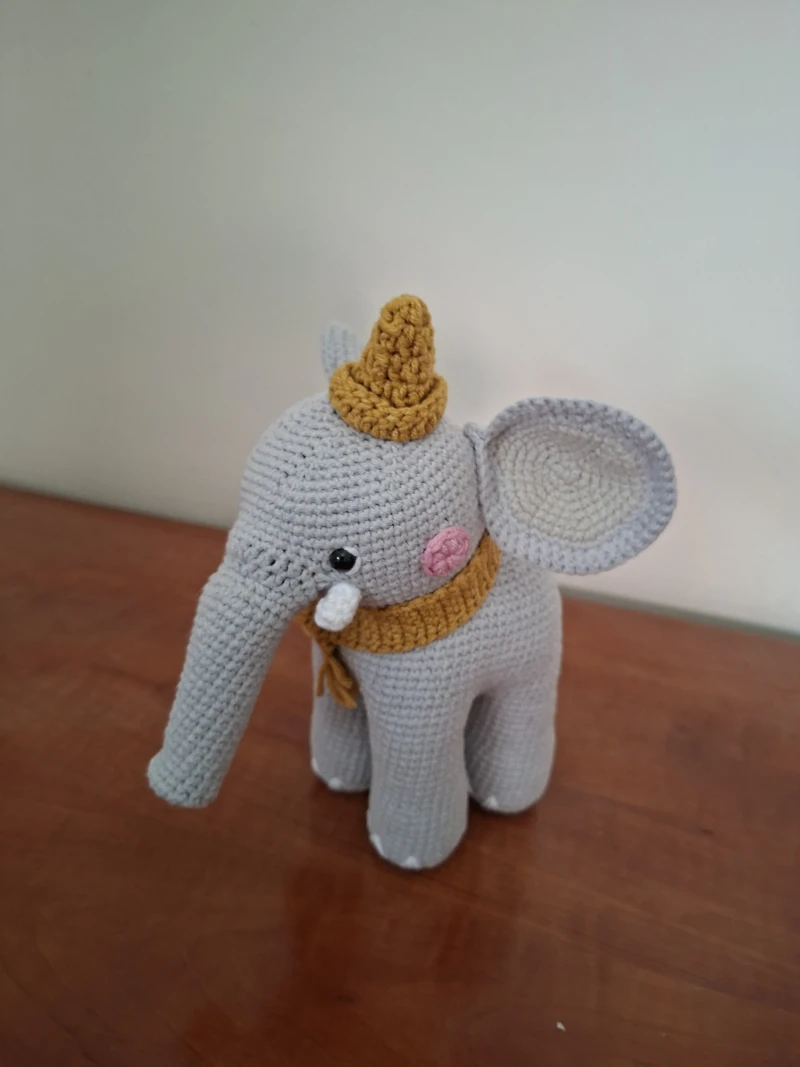
Amigurumi are small stuffed figures crocheted in the round. You start with a magic ring at the bottom, increase stitches each row to widen the shape, then decrease back down to close it. The pattern for any shape is a list of stitch counts per row, and if you know the profile you want the arithmetic to get those counts is mechanical. I wanted to draw the profile and have the arithmetic done for me.

You draw one side of the shape on a canvas. I treat the drawing as a surface of revolution. The curve gives a radius \(r(z)\) at each height, and spinning it around the vertical axis gives a solid whose cross-section at height \(z\) is a circle of circumference \(2\pi r(z)\). A 3D preview shows the spun shape as you draw, and the fitting runs in a Web Worker so the canvas stays responsive while it happens.
From a curve to stitch counts
Nobody draws a smooth curve with a mouse, so I first fit a clamped B-spline through the drawn points. Clamped means it passes through the first and last point exactly, so the top and bottom of the shape stay where you put them. The spline also smooths out hand tremor that would otherwise turn into jagged stitch counts between rows. I sample the curve once per row height and divide each circumference by the stitch gauge \(g\), which you set for your yarn and hook. The ideal count for that row is
\[n(z) = \left\lfloor \frac{2\pi\, r(z)}{g} \right\rfloor.\]Crochet adds a constraint of its own. From one row to the next you can at most double the stitch count, by increasing in every stitch, and at most halve it, by decreasing in every stitch. So with \(n_k\) stitches in row \(k\), the next row has to land in
\[\lceil n_{k} / 2 \rceil \;\leq\; n_{k+1} \;\leq\; 2 n_{k}.\]If the drawn profile asks for a count outside that band, I clamp it to the nearest feasible value and the finished shape will deviate from the drawing there. Within a row, increases and decreases are spread as evenly as possible around the circle so the fabric grows without lumps. If row 5 has 12 stitches and row 6 needs 18, that's 6 increases spread across 12 positions.
The output
The pattern uses standard crochet notation, one line per row with the stitch type and repeat count. It starts with a magic ring of 6 single crochet, the usual amigurumi start, and ends by closing down to somewhere between 6 and 15 stitches, at which point you stuff the figure and sew it shut. It exports as plain text or JSON.